

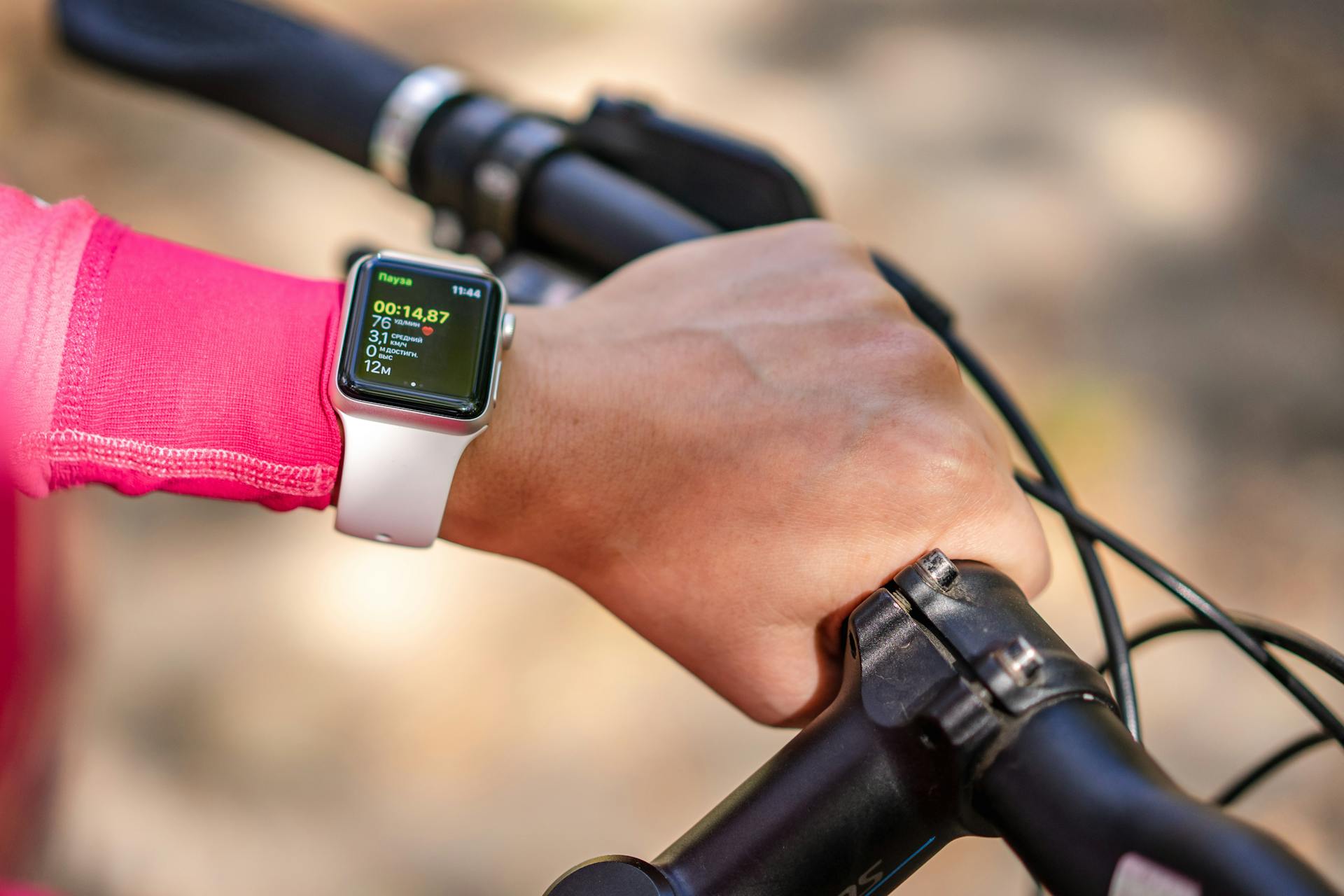
Yes, you can upload indoor cycling data from your Apple Watch to other platforms, but what transfers depends entirely on which platform you’re syncing to and what sensors you had running during your ride. Heart rate, calories, and duration move across reliably. Power and cadence transfer too, if you were connected to a Bluetooth sensor and running watchOS 10 or later. What you won’t get is GPS data, because there’s no GPS in an indoor cycling workout, and some platforms handle that gap better than others.
TL;DR
- Apple Watch syncs indoor cycling data to Apple Health automatically after every session.
- Strava connects via Apple Health (Settings → Health → Apps → Strava). Heart rate, calories, and duration transfer; power and cadence require watchOS 10+ and iOS 17+.
- Garmin Connect has no native Apple Health connection. Use HealthFit ($2.99) to export .fit files and import them manually.
- There is no GPS track for indoor cycling workouts. Platforms that rely on route data will show the workout with gaps on any map view.
- HealthFit is the most reliable tool for getting Apple Watch data into Training Peaks, Wahoo SYSTM, Runalyze, and similar platforms.
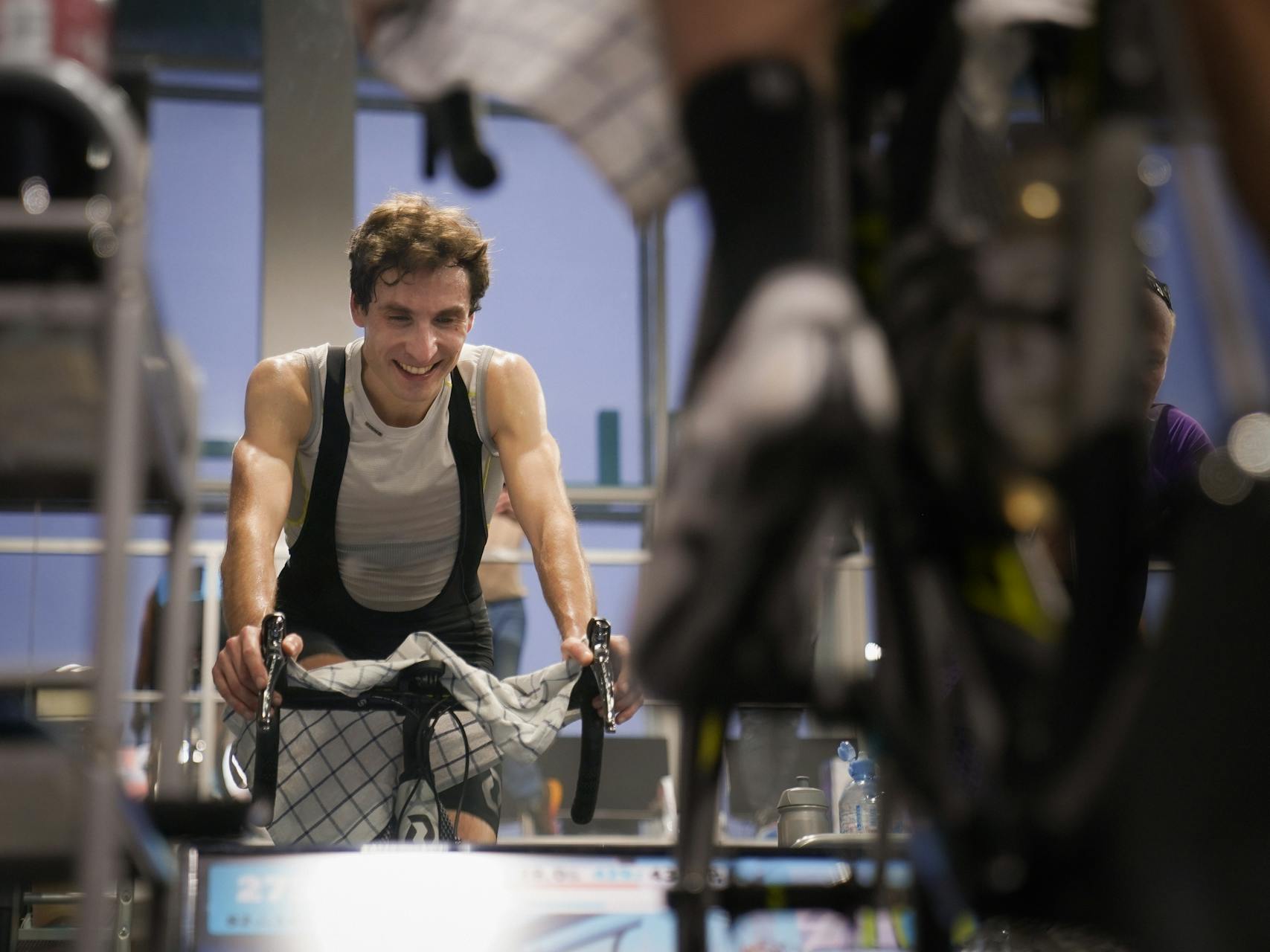
What Apple Watch Actually Records During an Indoor Ride
Before worrying about where to send the data, you need to know what you’re actually working with. Apple Watch captures a solid core dataset for indoor cycling: continuous heart rate from the optical sensor, active calories burned, workout duration, and METs (metabolic equivalent, an estimated intensity measure). With watchOS 10, it also records heart rate zones automatically.
Power and cadence are a different story. Apple Watch doesn’t measure those itself. If you’ve paired a Bluetooth power meter or cadence sensor directly to your watch during the workout, those values get recorded. Without that pairing, you’re getting heart rate and calories only.
Distance is the awkward one. A stationary bike has no GPS, so Apple Watch won’t record a route or distance from location data. If your smart trainer broadcasts distance over Bluetooth and the Watch picks it up, you’ll see a figure. Otherwise, distance shows as zero or gets estimated from power output, which won’t match any real-world figure. This matters when you’re pushing data downstream, because platforms like Strava will show your workout without a map, and some training analysis tools calculate training load differently when distance is missing.
Apple’s own documentation on this is at support.apple.com/en-au/111874 (updated 2025), if you want the full breakdown of what the Workout app tracks by activity type. If you’re still figuring out the sensor side of things, my piece on how Apple Watch measures indoor cycling covers the optical heart rate and calorie estimation mechanics in more detail.
Apple Health: Where Everything Lands First
Apple Health is the central hub for all Apple Watch workout data. The moment you end an indoor cycling session on your Watch, the data syncs to Health automatically. No setup, no export, nothing to configure. It’s just there.
From Health, the data can flow outward to any app you grant permission to. That’s the mechanism behind the Strava integration and most other third-party connections. Think of Health as the clearing house: the Watch writes to it, and other apps read from it.
If something hasn’t appeared in a connected app, the first thing to check is always whether the Health connection is actually authorised. Go to Settings → Health → Apps on your iPhone and look at what each app has been granted access to. “Workouts” needs to be toggled on for the sync to work. The setup process is also covered in my guide on how Apple Watch tracks indoor cycling, which walks through the Workout app configuration from scratch.
Syncing to Strava: The Most Common Workflow
Strava connects to Apple Health and pulls workouts across automatically. For most people doing indoor cycling, this is the only integration they need to set up. Once it’s connected, your sessions appear in Strava within a few minutes of finishing the ride.
What transfers: heart rate, calories, duration, and (on watchOS 10+ with iOS 17+) power and cadence if those were recorded. What doesn’t: a GPS route, because there isn’t one. Your Strava activity will show the workout stats without a map, which is normal for indoor sessions. Strava’s own support documentation from 2025 confirms this is expected behaviour, not a sync error.
Strava only imports workouts from the last 30 days on the initial connection. If you’re hoping to backfill months of training history, the Health integration won’t do it. You’d need to export historical data manually via HealthFit.
Step-by-step: Apple Watch to Strava
- On your iPhone, open the Health app and tap your profile picture in the top right.
- Tap Apps, then find and select Strava.
- Make sure the Workouts toggle is turned on. Turn on any other data types you want Strava to see (heart rate, active energy).
- Complete your indoor cycling session on Apple Watch using the Workout app. Select Indoor Cycling as the activity type.
- After your workout ends, open Strava on your iPhone. The session should appear within 2 to 5 minutes.
- If it doesn’t appear: in Strava, go to You → Settings → Linked Apps and confirm Apple Health is listed as connected. If it isn’t, reconnect it from the Health app.
What About Garmin Connect?
Garmin Connect does not accept Apple Health data natively. There’s no toggle in Health that pipes workouts to Garmin, and Garmin hasn’t built a direct import path either. If you’re running a mixed setup (Apple Watch for indoor rides, Garmin for outdoor) and want your data in one place, you need a workaround.
The standard solution is HealthFit, a $2.99 one-time purchase from the App Store. It reads your Apple Health workouts and exports them as .fit files, which Garmin Connect accepts. You can also use HealthFit to push directly to Garmin Connect from within the app, which saves the manual upload step. DC Rainmaker’s 2024 guide on exporting Apple Health workout data covers this workflow in detail if you want more context on the options.
HealthFit and Other Export Tools
HealthFit (developed by Studio Michels) is the tool I’d point anyone to if the Strava native integration isn’t enough. It reads Apple Health workouts and converts them to .fit format, which is the file type that most serious training platforms accept. One-time cost is $2.99, and it works reliably.
Platforms HealthFit can push data to directly (without manual file handling): Garmin Connect, Training Peaks, Wahoo SYSTM, Final Surge. You can also export a .fit file and upload it manually to Runalyze, which is a free web-based training analysis platform that accepts .fit imports and does a reasonable job of analysing heart rate and power data from indoor sessions.
A note on what the .fit file contains: HealthFit exports whatever Apple Health recorded, including lap data if you pressed the lap button on your Watch during the ride. That lap data does transfer correctly in the .fit file, which is useful if you’re doing interval training and want to see split data in Training Peaks or Runalyze.
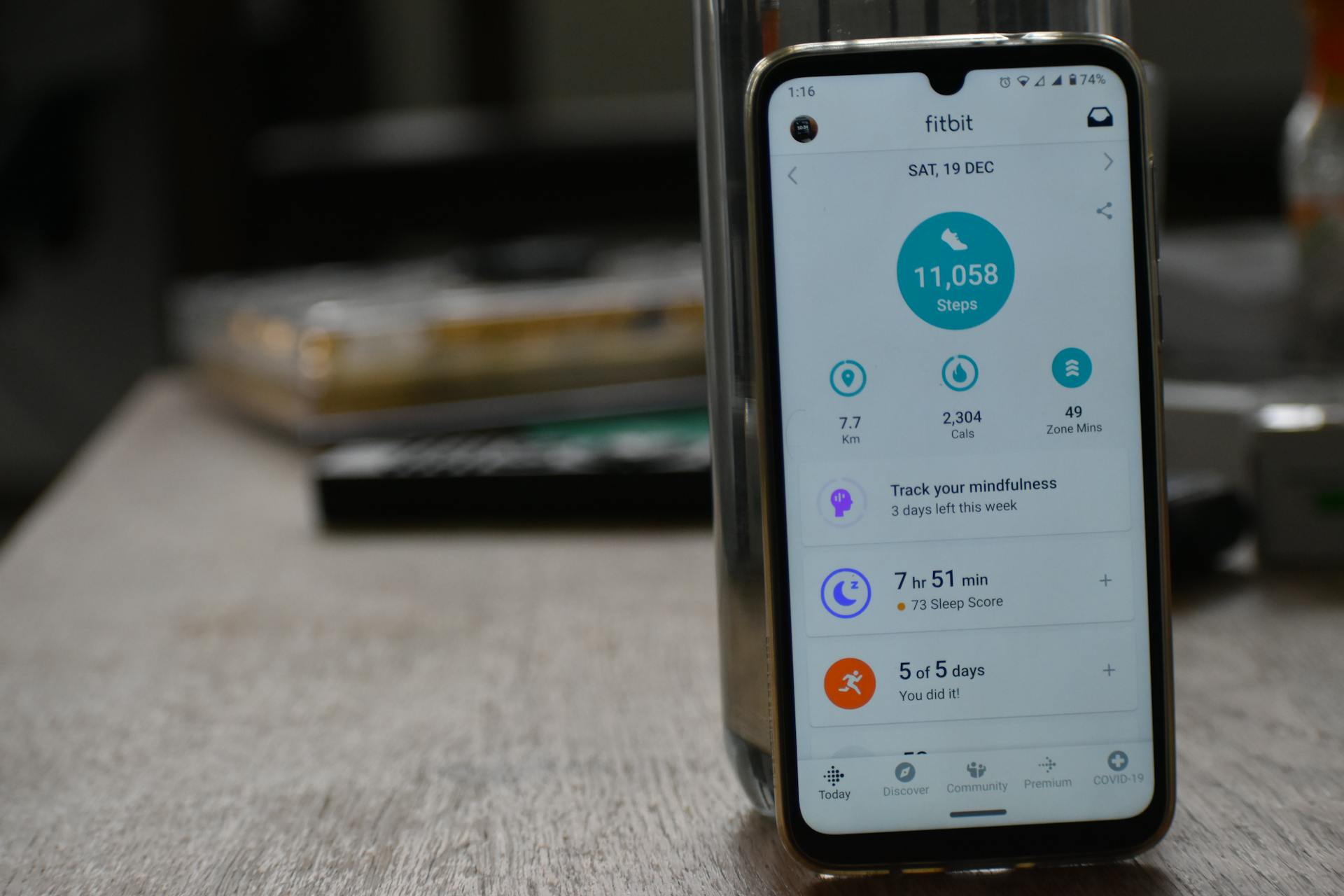
The GPS Gap: What Platforms Do With It
Every platform that ingests your indoor cycling workout will see the same thing: no GPS coordinates. What they do with that varies.
Strava handles it cleanly. Indoor activities show a stats card without a map, and segments won’t apply (there’s no route to match). This is fine, and it’s the intended behaviour.
Training Peaks and Runalyze both work well with GPS-free indoor workouts. They focus on power, heart rate, and time-in-zone data, so the absence of a route doesn’t break anything. Your TSS calculation, heart rate zones, and power curve all generate from the data that’s there.
Where it gets fiddly is with platforms that calculate training load partly from distance. If no distance is recorded (because you didn’t have a smart trainer broadcasting over Bluetooth), some tools will either estimate it or leave a gap in their calculations. In my experience, the safest approach is to connect your smart trainer directly to your Apple Watch during the ride if you want distance data in downstream tools. Without that, you’re relying on the platform’s own estimation, which varies.
Frequently Asked Questions
Does Apple Watch record power data during indoor cycling?
Not on its own. Apple Watch records power (watts) only if you have a Bluetooth power meter paired directly to the watch during your ride. This requires watchOS 10 or later and iOS 17 or later. Without a paired power meter, you’ll get heart rate, calories, and duration only. Once recorded, power data transfers to Strava via the Health integration, or to other platforms via HealthFit as a .fit file.
Why didn’t my Apple Watch indoor cycling workout appear in Strava?
A few things to check. First, confirm the Health connection is authorised: in the Health app on your iPhone, go to your profile, tap Apps, find Strava, and make sure the Workouts toggle is on. Second, make sure you selected “Indoor Cycling” as the activity type in the Watch’s Workout app (not “Other Workout” or a generic option). Third, remember that on initial setup, Strava only pulls workouts from the last 30 days. If the session is older than that, it won’t auto-import. For older sessions, use HealthFit to export a .fit file and upload it to Strava manually.
Can I get Apple Watch data into Garmin Connect?
Yes, but not natively. Garmin Connect doesn’t connect to Apple Health directly. The standard workaround is HealthFit ($2.99 from the App Store), which exports Apple Health workouts as .fit files and can push them directly to Garmin Connect. You’ll find the Garmin Connect option inside HealthFit once you’ve granted it access to your Health data. The export takes about 30 seconds per workout once set up.
What data is lost when uploading Apple Watch indoor cycling workouts to third-party apps?
The main loss is GPS route data, because indoor cycling doesn’t generate location coordinates. Platforms that rely on routes for features like segment matching or map display won’t show a route. Distance data may also be missing or estimated, unless your smart trainer was connected via Bluetooth and broadcasting distance to the watch. Everything else (heart rate, calories, duration, heart rate zones in watchOS 10+, power and cadence if from a paired sensor, and manual lap splits via HealthFit) transfers correctly to supported platforms.
If you’re doing structured indoor training and want your data somewhere more analytical than Strava, HealthFit plus Runalyze is a solid free-plus-cheap combination. HealthFit costs $2.99 once, Runalyze is free, and both handle GPS-free indoor workouts without any drama. Set it up once, and the export process takes about 30 seconds per session.